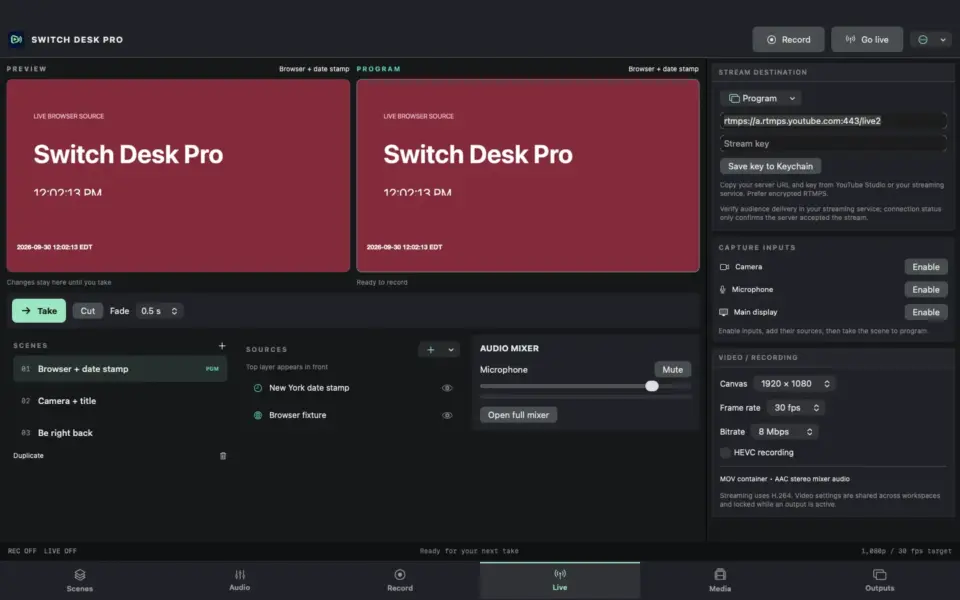
Switch Desk Pro
A desktop-first recording and streaming studio in development for Mac and iPad, with browser visuals, timezone date stamps, independent projectors, and audio monitoring.
Read the project: Switch Desk Pro
macOS 12.0 or later
Free
A local-first Mac utility for reviewing legal video, checking timestamps and metadata, compressing clips, exporting audio, and preparing clean delivery files.
Project notes
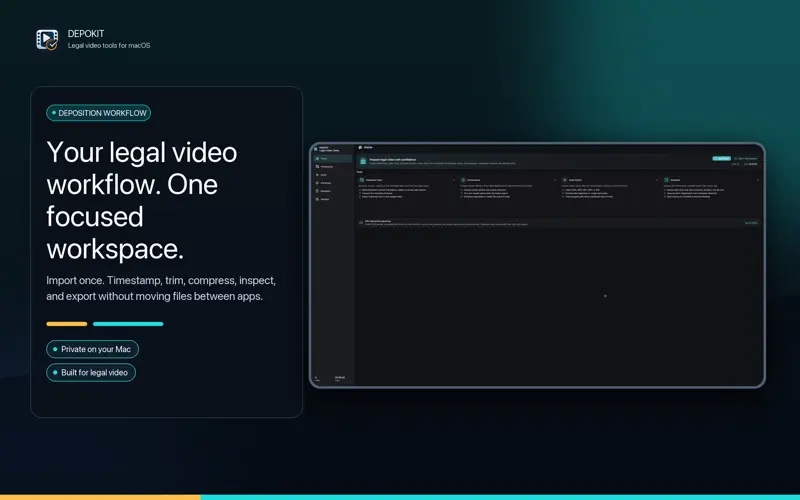
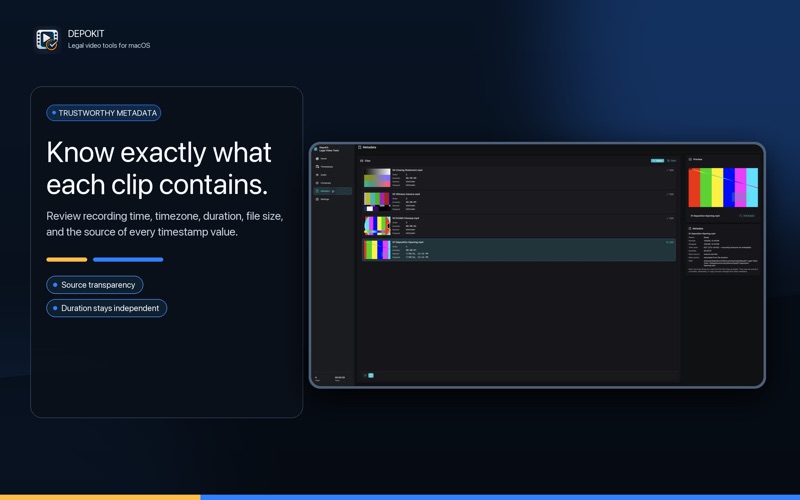
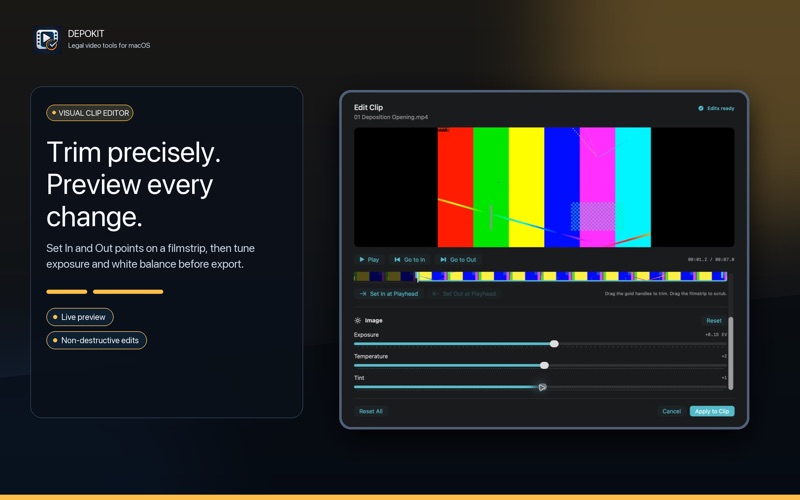
DepoKit brings the everyday tools of a legal video workflow into one focused workspace. Import clips by drag and drop, preview playback, and inspect start time, stop time, duration, source path, and total batch runtime.
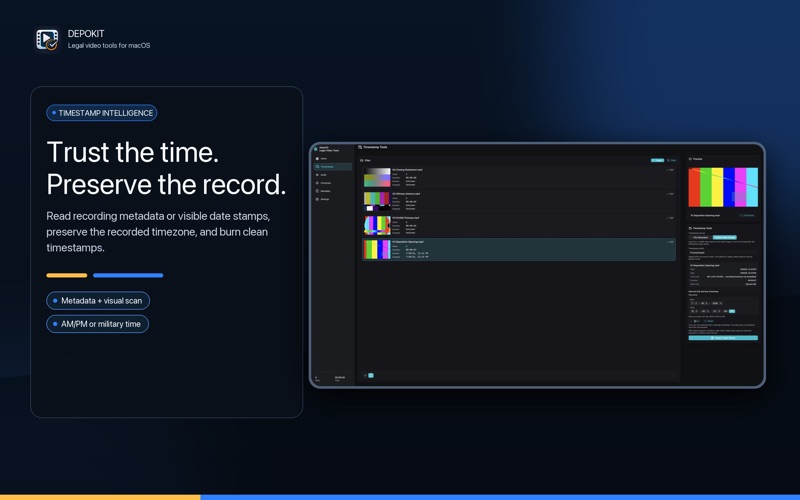
When footage includes a visible date stamp, DepoKit can read the timestamp from video frames using on-device Apple Vision. Manage date stamps across a batch, export individual date-stamped videos, or create one combined date-stamped file.
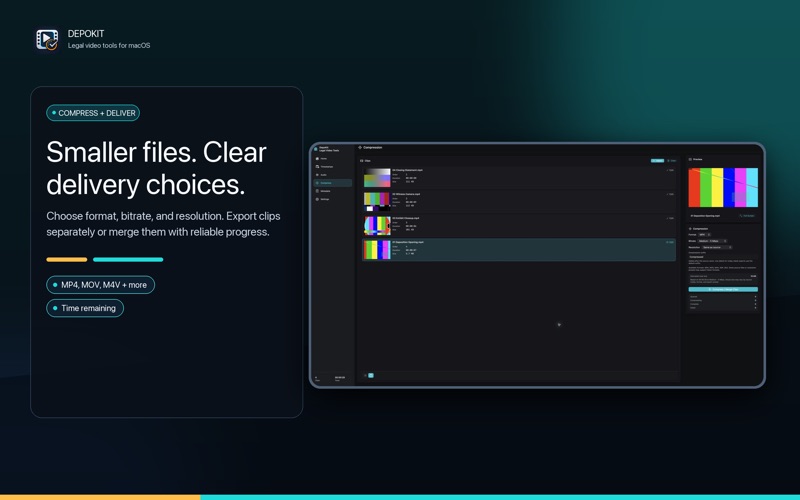
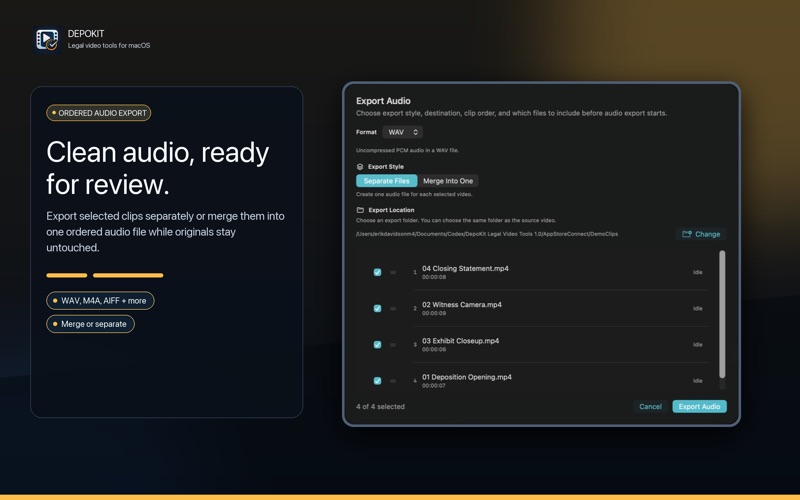
Built-in compression controls let you choose format, bitrate, output resolution, and naming rules. You can also export clean audio from selected clips in order. Processing stays local, and original files are never overwritten.
Recent development: I’ve been working on date-stamp reading and placement, clearer export destinations and filenames, and per-file progress that stays visible in compact layouts. Recent Mac and iPad builds have been tested for saving files without overwriting originals. Development updates may not yet be in the linked App Store edition.
A desktop-first recording and streaming studio in development for Mac and iPad, with browser visuals, timezone date stamps, independent projectors, and audio monitoring.
Read the project: Switch Desk Pro TetherPal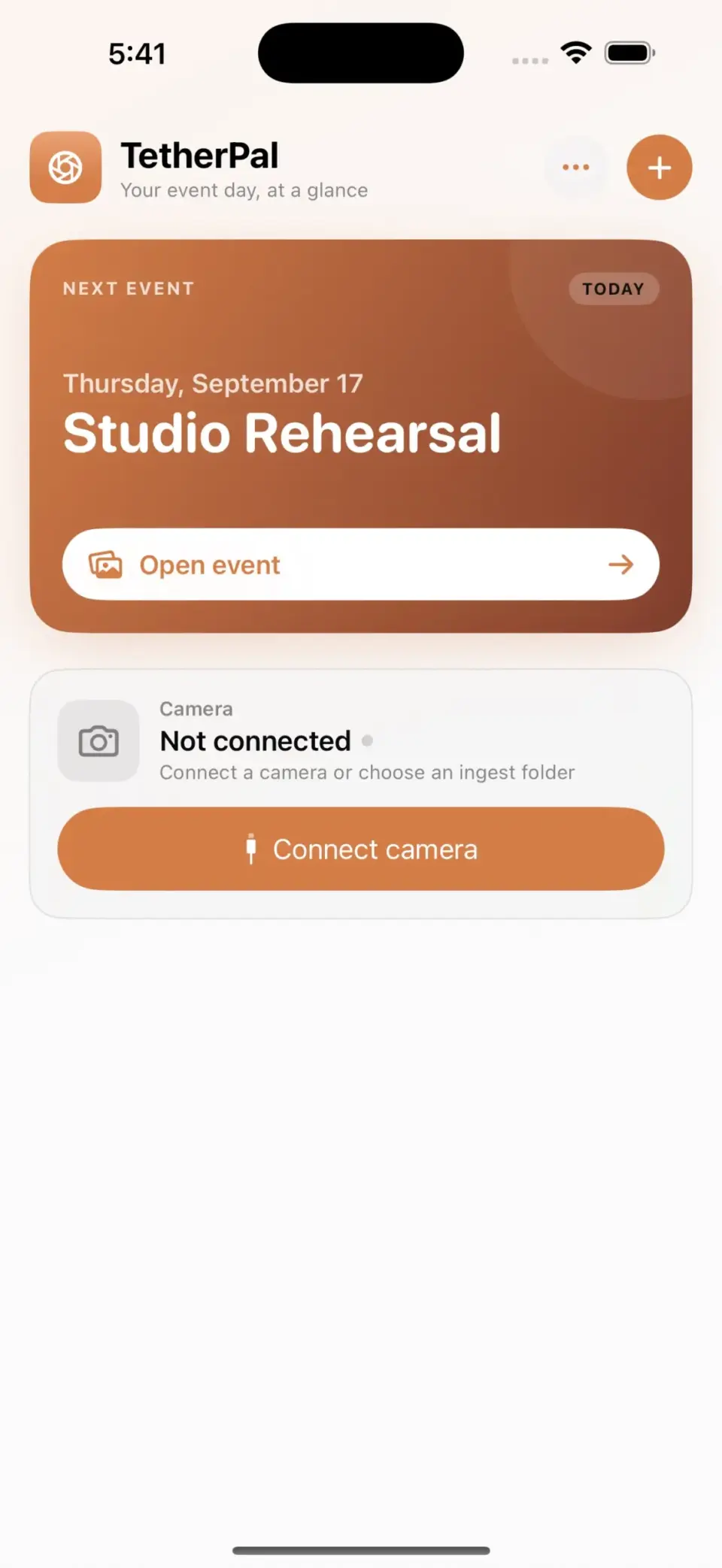
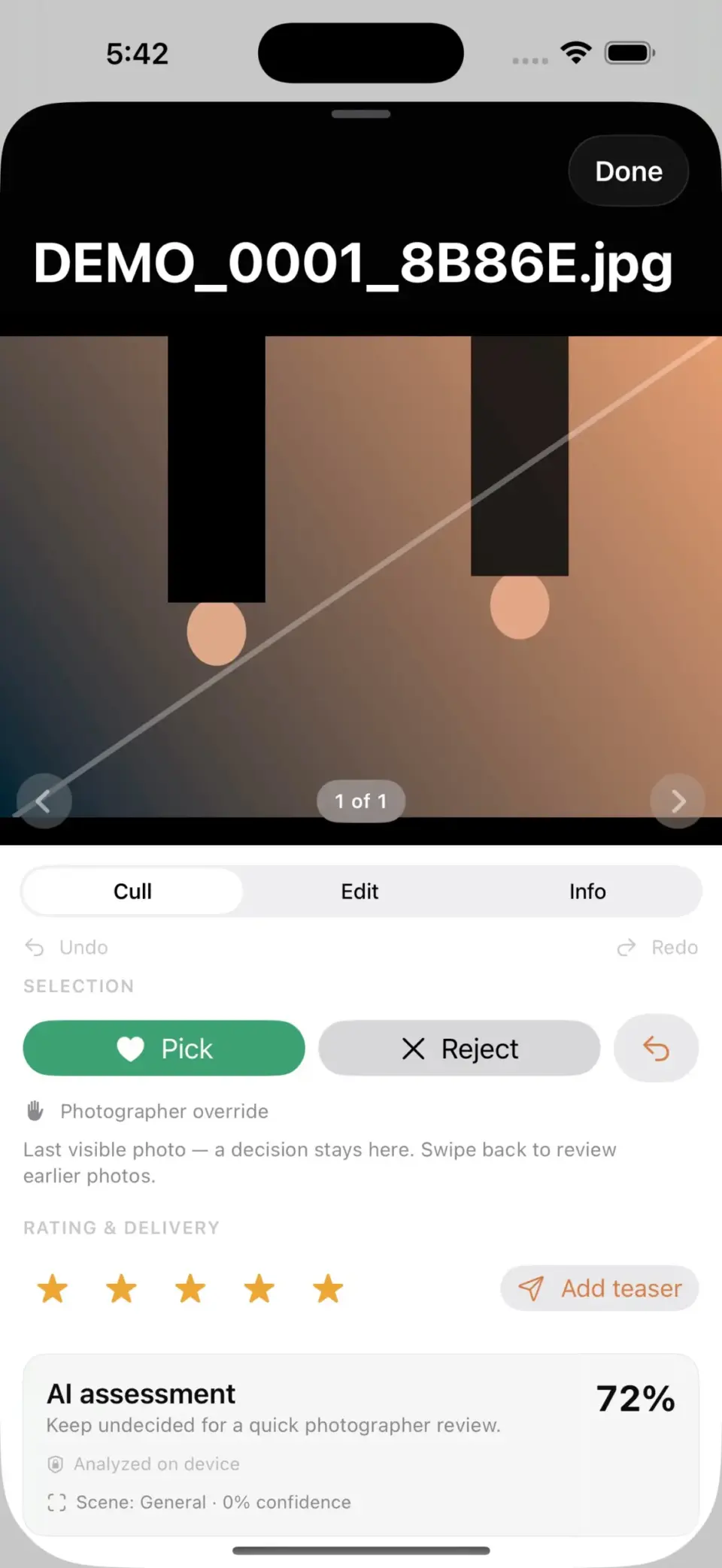
An event photography workspace for tethered capture, local culling and editing, shoot organization, and delivery preparation across Apple devices.
Read the project: TetherPal
A private scanner-audio relay and archive that captures voice-active traffic, creates replayable clips, and helps authorized listeners follow multiple feeds.
Read the project: Radio Sentry