Mac · iPad · iPhone
In development
Switch Desk Pro
Your production. Under control.
A desktop-first recording and streaming studio in development for Mac and iPad, with browser visuals, timezone date stamps, independent projectors, and audio monitoring.
Built for your workflow
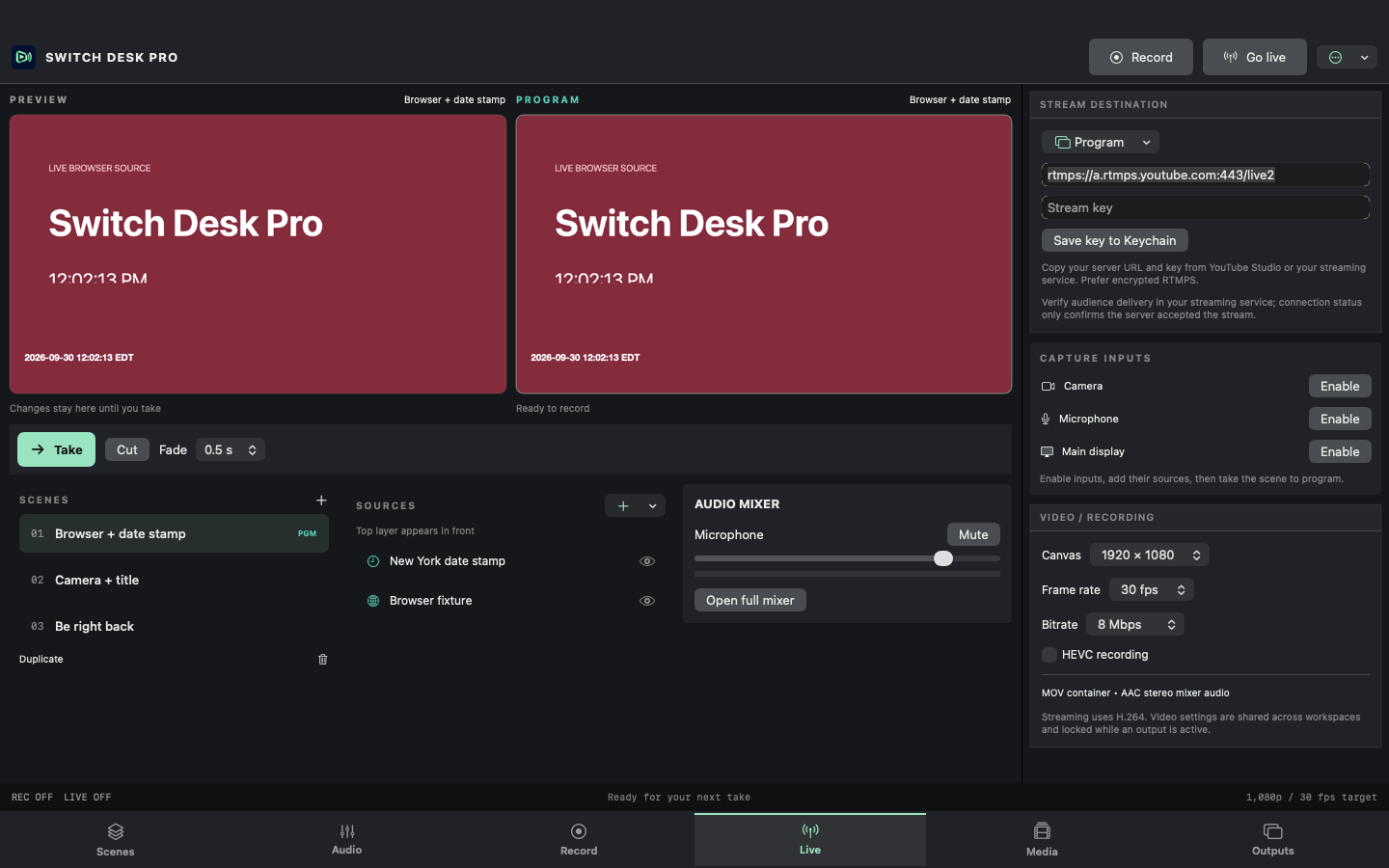
Switch Desk Pro is the production desk I’m building for recording and live streaming. Six workspaces—Scenes, Audio, Record, Live, Media, and Outputs—keep the tools organized while recordings and streams continue. Live opens first, with resizable panels on Mac.
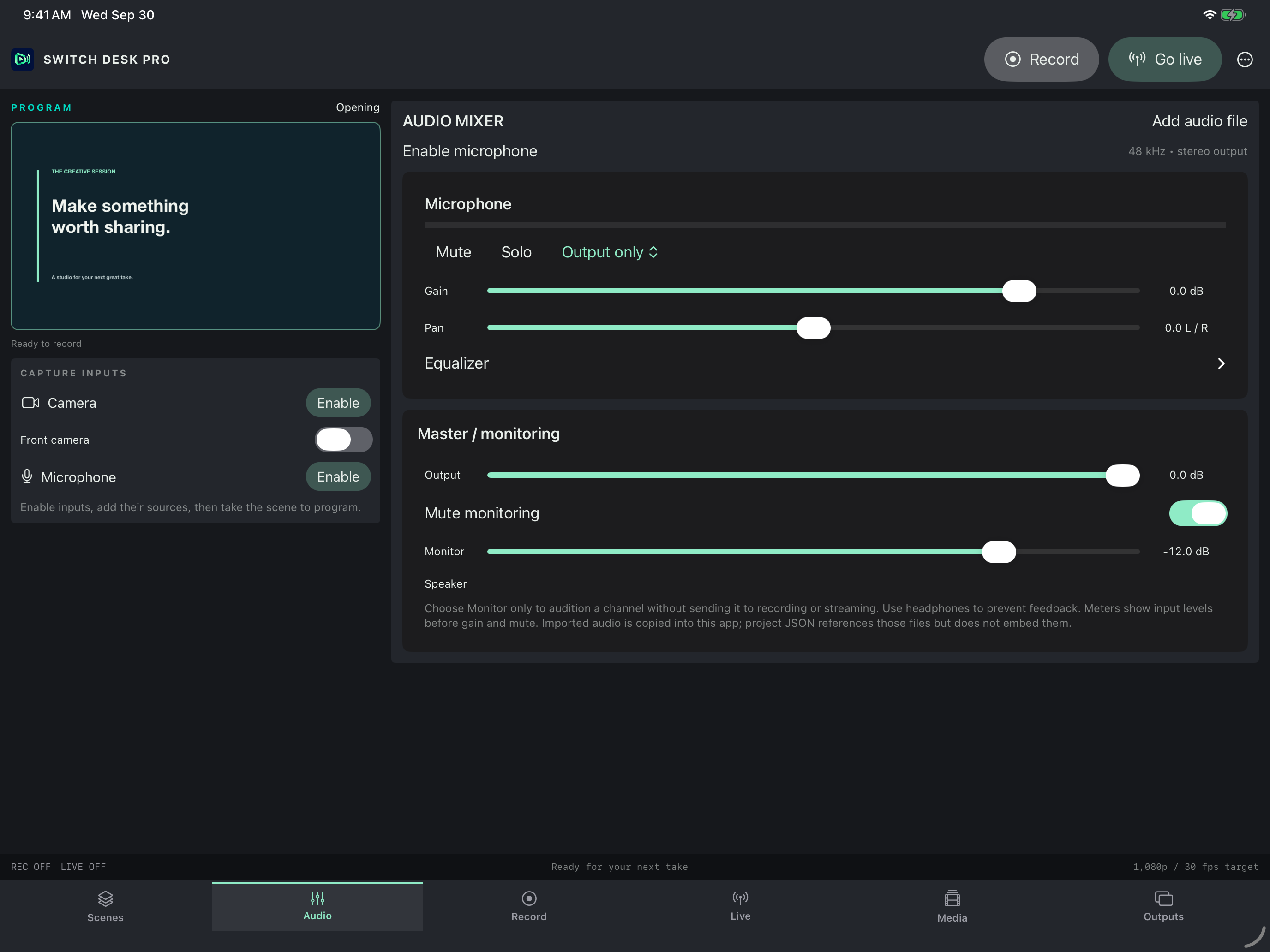
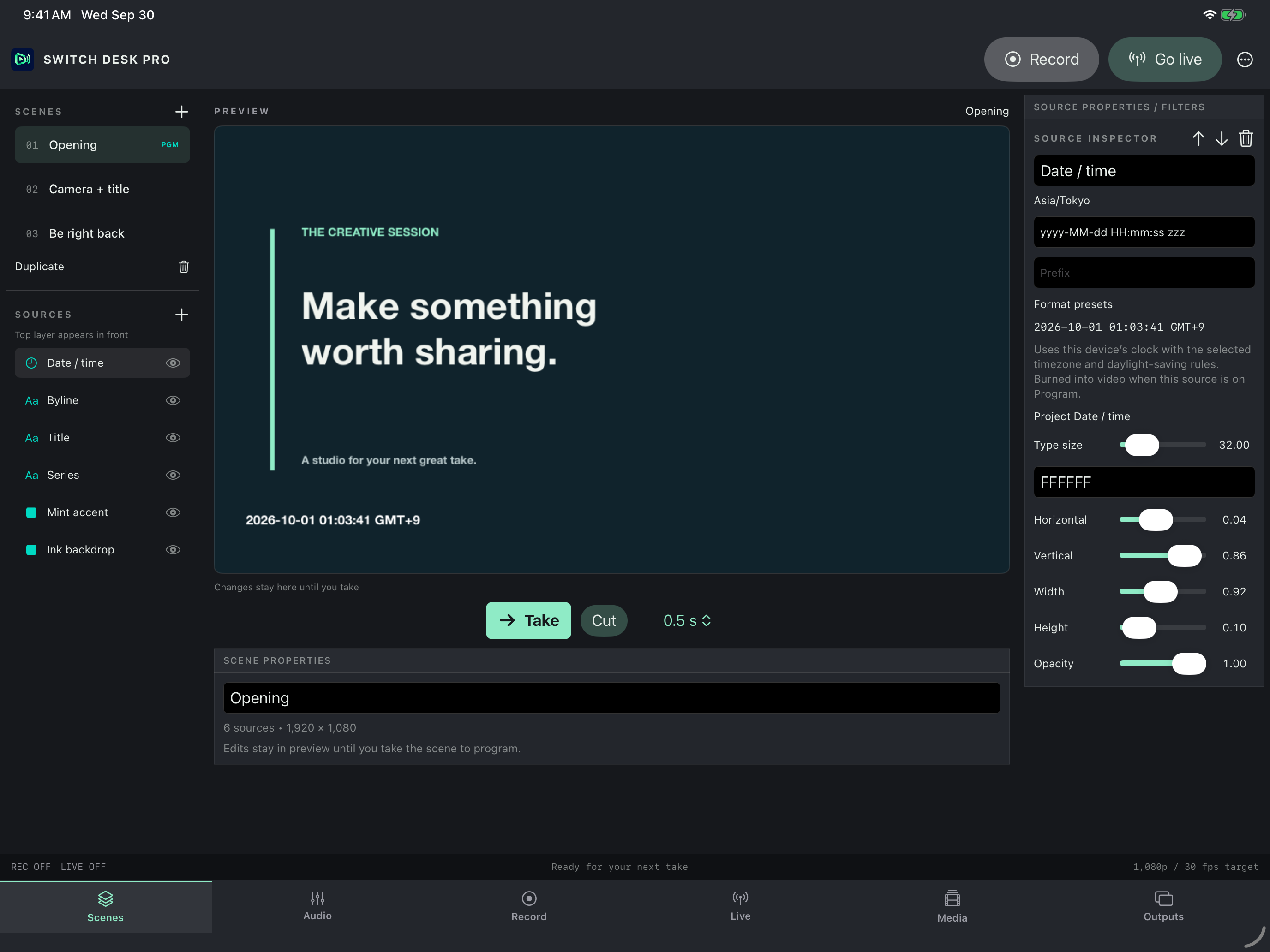
The current development build adds WebKit browser visuals, date stamps with selectable timezones, separate scene/source projector windows, and Mac full-screen display selection. A stereo mixer combines a microphone and up to 16 audio files, with gain, pan, three-band EQ, mute, solo, and independent monitoring.
A video-only LAN projector can be opened in a Windows browser on a trusted local network, at up to 6 fps. Audio/video output to a Windows PC requires a separately configured RTMP receiver. Recording continues to use Program while other outputs can show another scene or source.
This is a development project, not an App Store release or a full OBS replacement. Browser audio, desktop audio capture, multitrack recording, replay buffer, virtual camera, and OBS plugins are not included. Physical-device, Windows-receiver, external-iPad-display, and long-session testing remain in progress.
What’s being built
- Six workspaces with a desktop-first Live view and a dedicated Outputs workspace.
- Layer camera, image, text, color, browser visuals, and timezone date stamps.
- Prepare in Preview, then cut or dissolve to Program.
- Open independent Program, Preview, scene, or source projectors; choose full-screen displays on Mac.
- Send video-only LAN projection to a Windows browser, or audio/video to an external RTMP receiver.
- Mix a microphone and up to 16 audio files with gain, pan, EQ, mute, solo, and separate monitoring.
- Record H.264 or HEVC MOV files; play and share saved recordings.
- Configure YouTube or custom RTMP/RTMPS destinations.